Track Maintenance Requests, Customer Complaints, and Site Issues at Multi-Unit Networks
Track maintenance requests, customer complaints, and site issues. Open ticket, send follow-up tasks and emails. Close when done, it's that simple.


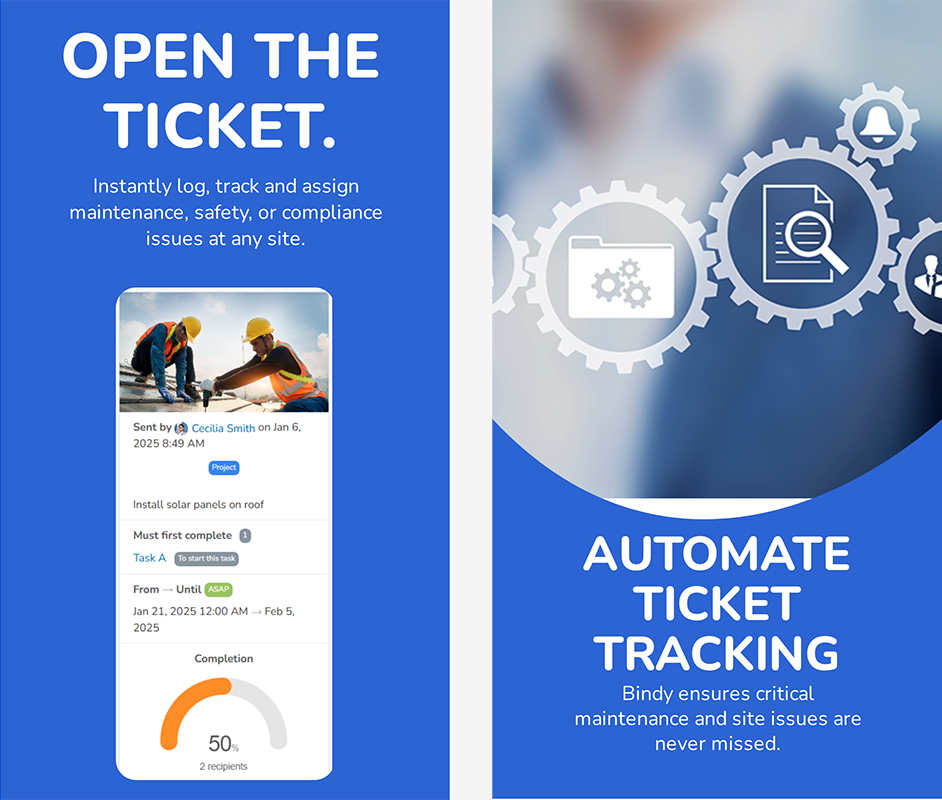

Track maintenance requests, customer complaints, and site issues. Open ticket, send follow-up tasks and emails. Close when done, it's that simple.


Handling a customer complaint A customer tells head office their coffee was served too hot and they were burned. A Ticket Administrator opens a ticket and, from within it, assigns a task to the District Manager, who is notified by email and app notification and owns the fix, whether that means tuning the machine or retraining the team. The administrator also emails the Area Director from the ticket, so senior leadership is informed. Once every action is complete, the ticket is closed, with the full history (who was told, what was done, and when) in one place.
Equipment failure and maintenance requests A store’s receiving door breaks. The General Manager opens a ticket with a photo and the equipment details. From within the ticket, a Ticket Administrator sends the Facilities Manager a repair task with a due date based on urgency. The Facilities Manager books a technician and posts progress updates, while the District Manager is emailed so they can support the store as it runs at reduced capacity. The General Manager sees every update without chasing anyone. Once the repair is confirmed, the ticket is closed, and head office has a complete record of the failure, response time, and cost.
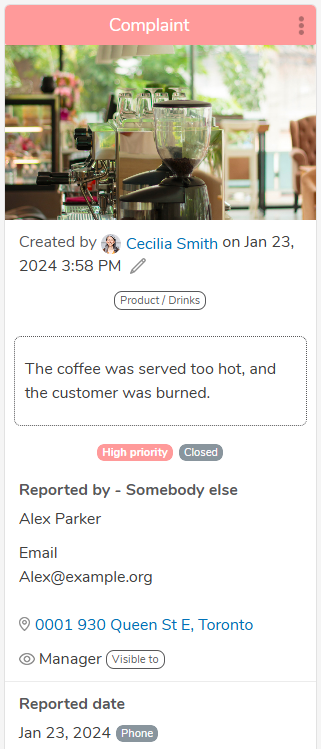


Create tickets for maintenance, customer complaints, or any site-specific issue.
Set priority and visibility. Assign to a team member.
Close when done.
Create follow-up tasks for all or some team members.
Put all the information your operations leaders and field managers need in one place to execute faster: directives, photos, and supporting documents.
View and complete tasks on any device, anytime.

“We have been able to improve field execution and accountability to our brand standards through use of the Bindy platform to document field visits.”
- Business Policy and Operations Standards Manager

“The tool has become an integral part of store visitations with our franchised network of stores.”
- Director of Operations

“Bindy has helped us achieve greater consistency, efficiency and a stronger in-store experience.”
- Director of Business Development and Strategies
92% of Bindy customers report improved execution of merchandising programs.
88% of Bindy customers report improved task completion and store activities.
89% of Bindy customers report improved customer experience.
91% of Bindy customers report a reduction in business risks.
92% of Bindy customers report saving time on site visits.

95% of Bindy customers report improved health and safety.